
Cloud storage for serious photographers
The speed of local storage with the safety of cloud storage
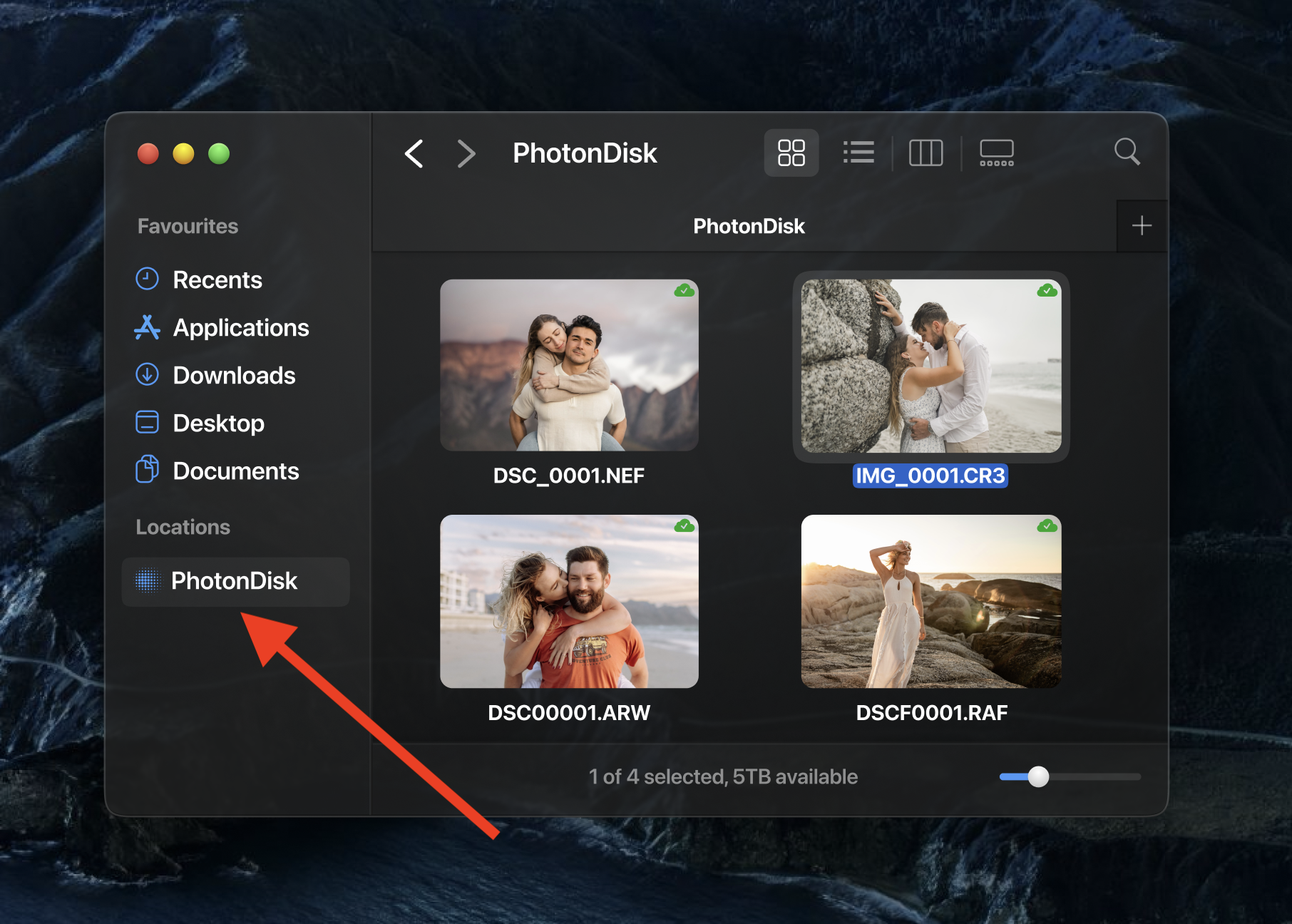
How it works
1.
Download the macOS app
Download and install the PhotonDisk app on your Mac.
2.
Enable cloud storage
Open the PhotonDisk app and create an account to enable cloud storage.
3.
Store your RAW images in the cloud
Drag and drop your files into PhotonDisk, straight from the Finder app, just like you would using an external drive.
Built for serious photographers
Serious photographers need a reliable storage system that doesn't get in the way.
There are many cloud providers to choose from when needing to store your images. Initially, most photographers just store their images in the same place where they store their personal documents (e.g., Google Drive, DropBox, OneDrive, etc.). However, these are very different use-cases and photographers end up compromising on cost, speed, and experience.
PhotonDisk is purposely built for photographers to store their images in the cloud and access them locally, as if you were using an external drive.
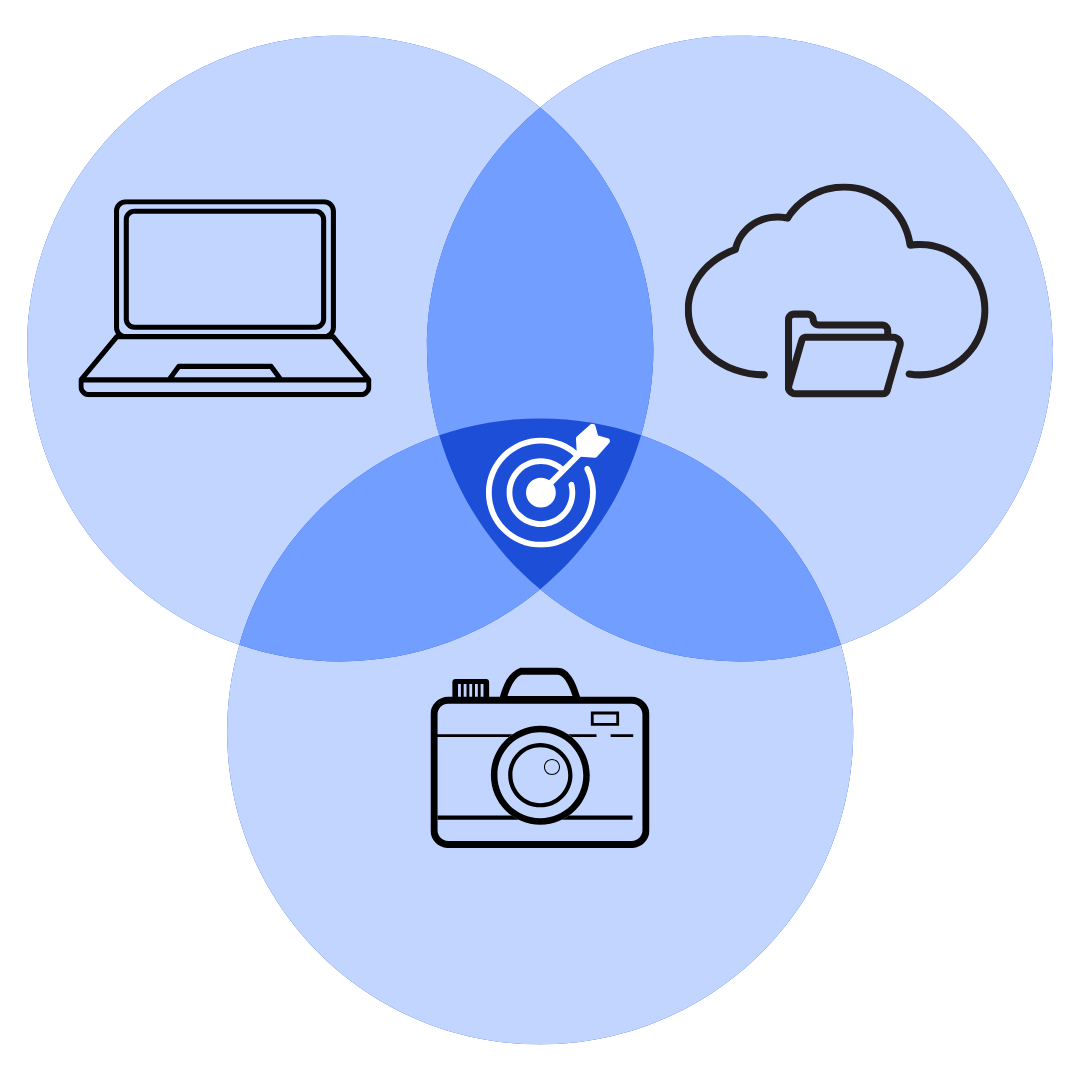
Cloud storage that feels like local storage
The main issue with using cloud storage is that it can feel slow. Photographers need instant access to their RAW images without slowing down their workflow.
Besides for obvious internet connection issues, other general-purpose cloud providers might be slowing you down by selling you slower cloud storage to keep their costs low. This is fine, if you don't care that much about speed, but it's a deal breaker for photographers.
We use high-performance cloud storage and smart-caching to proactively ensure your cloud files are available locally when you need them.

More reliable than local storage
Yes, using an external drive is easy because you just plug it in and you can access your files. It might feel like your files will always be there, but there's a hidden risk to this workflow.
Unfortunately, external drives can fail, get lost/stolen, or even damaged. If you're lucky, your data can be recovered, otherwise you've lost countless hours of your work.
The convenience of an external drive ends when something goes wrong.
We ensure your data is protected against disk failure, physical damage, and theft.

More scalable than collecting external drives
Buying yet another external drive is easy because it worked the first few times. It might seem like a good idea until you end up with 30+ external drives in your cupboard, with no idea which files are where.
With each additional external drive, it becomes a little more difficult to maintain and access your files.
We make all your files accessible to you as if it were one big external drive that scales to your needs.

Don't hassle with the tech
You've probably heard of NAS or Network Attached Storage solutions. It's kind of like running your own tiny cloud storage server at home, and it's pretty cool if you know what you're doing.
NAS shares a lot of the benefits of using cloud storage (i.e., better data redundancy, more scalable), but comes with the cost of a high upfront investment and ongoing technical maintenance.
We make cloud storage feel like local storage, without the technical upkeep.

Pricing
Transparent pricing. Cancel anytime.
Novice
Free
per month
- Limited to 15GB of cloud storage
- Protection against disk failure/damage/theft
- Supports major image file types (e.g., CR3, NEF, ARW, RAF, DNG, etc.)
- Compatible with top photography software (e.g., Lightroom Classic/CC, Photoshop, etc.)
- Native macOS app
Enthusiast
$29
per month
- Limited to 2TB of cloud storage
- Protection against disk failure/damage/theft
- Supports major image file types (e.g., CR3, NEF, ARW, RAF, DNG, etc.)
- Compatible with top photography software (e.g., Lightroom Classic/CC, Photoshop, etc.)
- Native macOS app
- Priority email support
Pro
$49
per month
- Includes 5TB of cloud storage
- Protection against disk failure/damage/theft
- Supports major image file types (e.g., CR3, NEF, ARW, RAF, DNG, etc.)
- Compatible with top photography software (e.g., Lightroom Classic/CC, Photoshop, etc.)
- Native macOS app
- Priority email support
Need more cloud storage?
$9
per additional TB per month
Frequently asked questions
Can PhotonDisk replace my external drives?
Yes, PhotonDisk is designed to look and feel like an external drive in the cloud.
Can I import my images from PhotonDisk directly into apps like Lightroom or Photoshop?
Yes, PhotonDisk works seamlessly with most, popular photography software.
Does PhotonDisk alter or compress my images when stored in the cloud?
No, your images are always stored in their original state.
What happens to my data if I decide to stop using PhotonDisk?
You'll have up-to 60-days to safely download your data.
What's the difference between "cloud backup" and "cloud storage"?
"Cloud backup" refers to saving a duplicate copy of your files at an offsite location, specifically in the cloud.
For example, when you edit an image, your latest changes are saved to your computer. You can rest easy knowing that previous versions of that image are also saved to the cloud. This means you can easily recover your work if your files are lost or accidentally deleted. Keep in mind that cloud backup is not intended to provide extra storage space; instead, it acts as an insurance policy for your existing data.
"Cloud storage" involves saving files directly in the cloud to free up or expand your storage capacity.
For example, just as you would save files to an external drive when your computer is full, saving files to the cloud provides the extra space you need. However, unlike an external drive, cloud storage also provides protection against disk failure, physical damage, and theft.
How does PhotonDisk fit into the popular 3-2-1 backup strategy?
PhotonDisk isn't a cloud backup solution and it doesn't replace cloud backup. However, in the popular 3-2-1 backup strategy, PhotonDisk counts towards the "3" suggested copies of your data (i.e., storing your original files) and towards the "1" suggested offsite copy.
More questions?
Email your questions to [email protected].
Thanks for your interest!
We're actually still building this product 😅
However, feel free to share your details below and we'll let you know when PhotonDisk is ready!